We're here to help

Our 24/7 support team is here for you when you need it.

877-698-1854

Need info right away? Check out these resources:

Security System Resources Frequently Asked Questions
We want to hear from you

Don't need immediate help, but have a question or concern? Get in touch with the form below and we'll get back to you within one business day.

We want to hear from you

Don't need immediate help, but have a question or concern? Get in touch with the form below and we'll get back to you within one business day.

Security System Resources
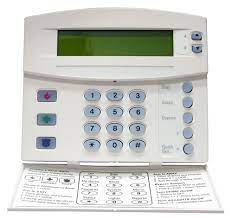
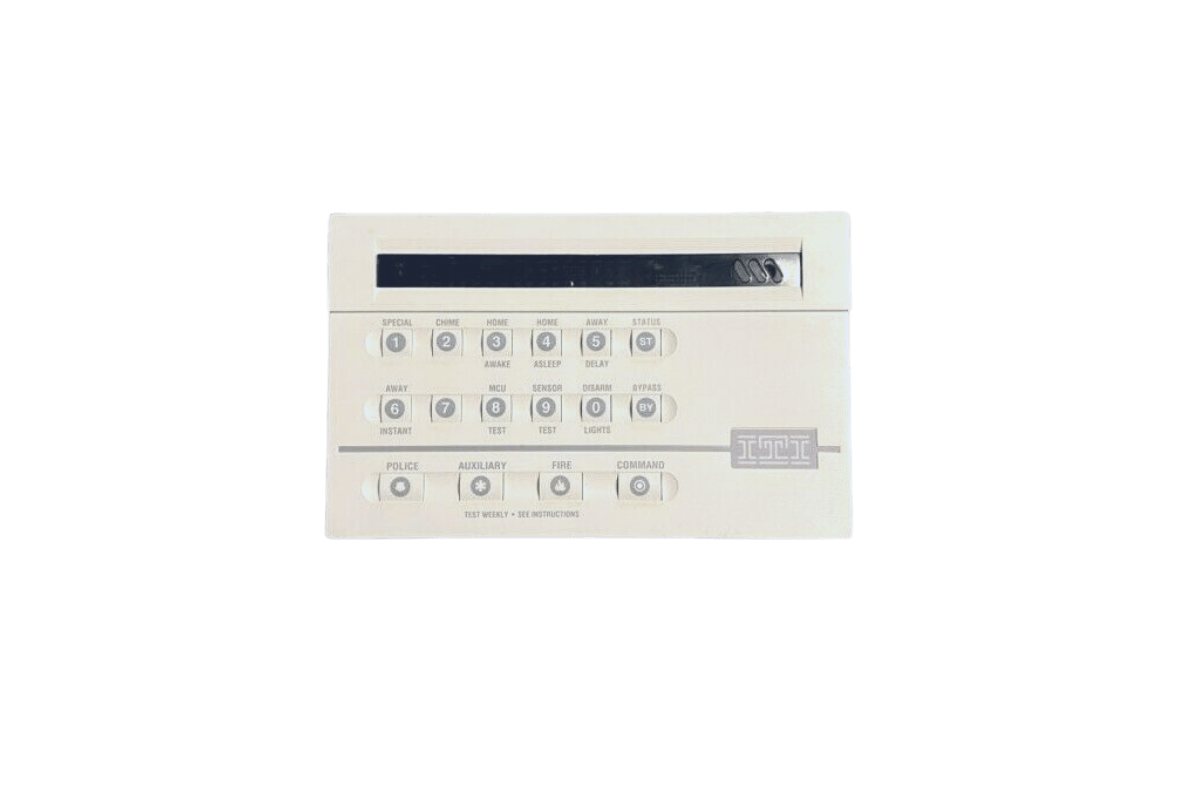
A white keypad with buttons on it on a white background.

CareTaker Plus

View Downloads
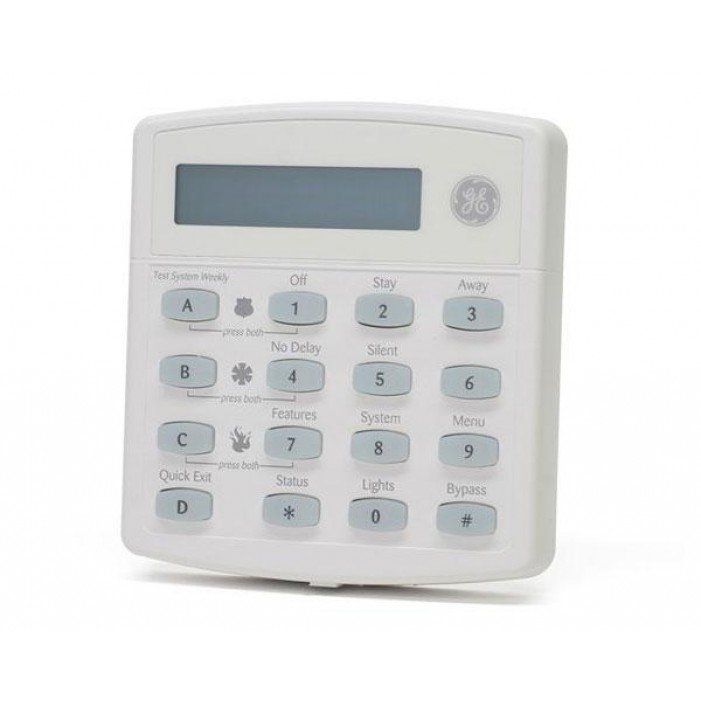
A white keypad with blue buttons on a white background.

Concord Express

View Downloads
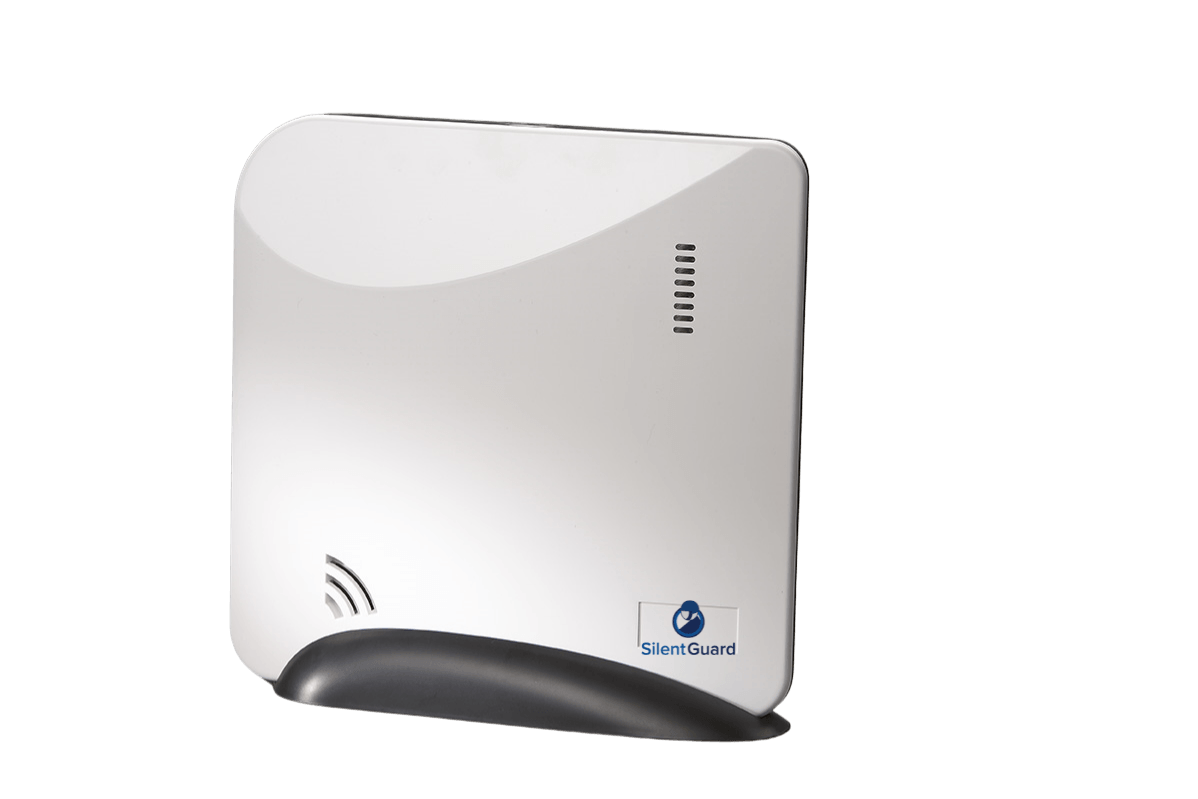
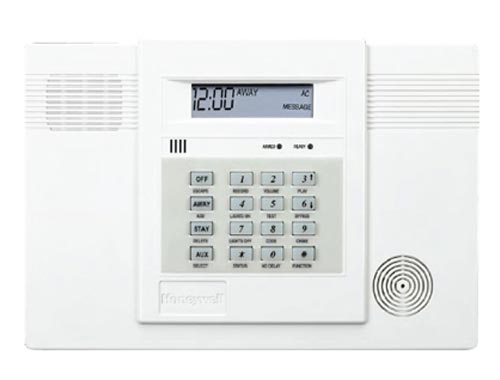
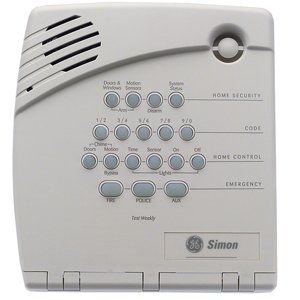
A white security system with a clock on it

LynxR/LynxR24

View Downloads
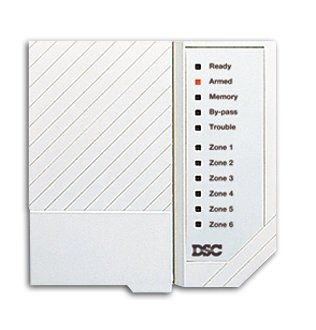
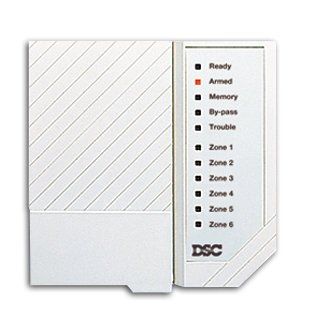
A white dsc device with a list of zones on it

Powerseries PC 550

View Downloads
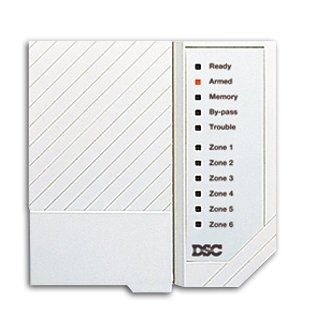
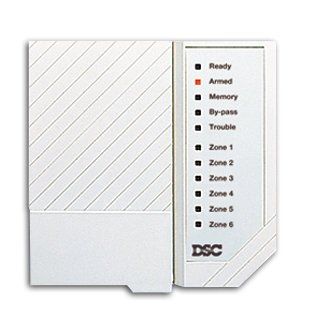
A white dsc device with a list of zones on it

Powerseries PC1500/PC1550

View Downloads
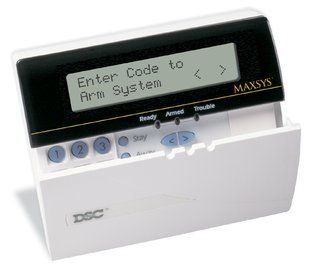
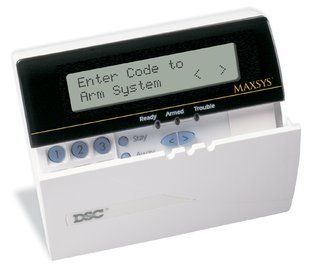
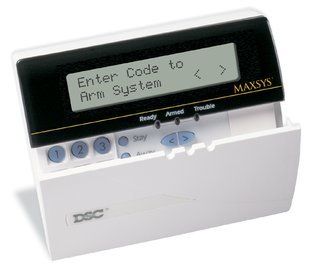
A remote control that says enter code to arm system

Powerseries PC1555

View Downloads
A white dsc device with a list of zones on it

Powerseries PC2550

View Downloads
A white dsc device with a list of zones on it

Powerseries PC3000

View Downloads
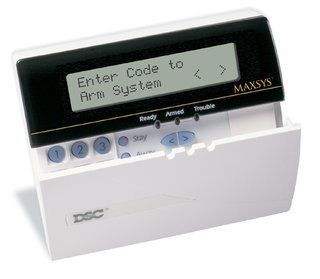
A remote control that says enter code to arm system

Powerseries PC4020

View Downloads
A remote control that says enter code to arm system

Powerseries PC5010

View Downloads
A remote control that says enter code to arm system

Powerseries PC5020

View Downloads
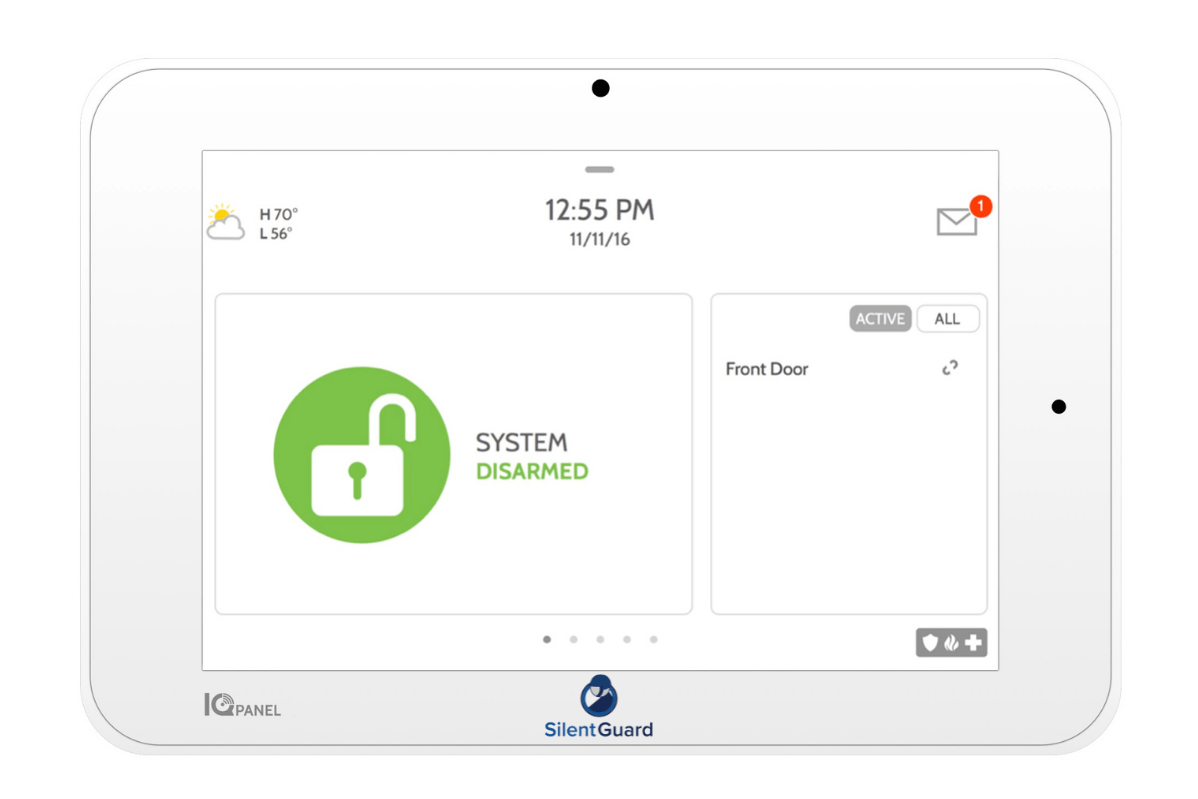
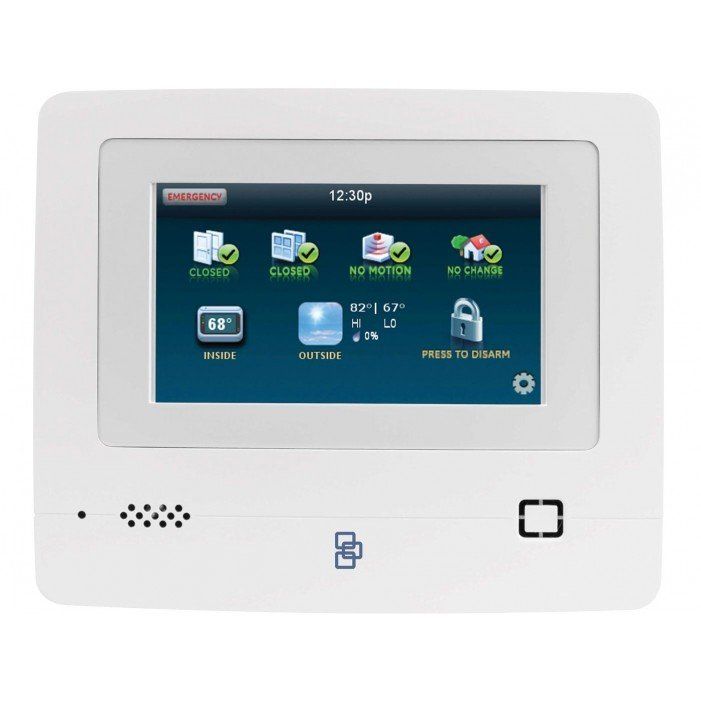
A white tablet with a green padlock on the screen.

Qolsys IQ2+

View Downloads
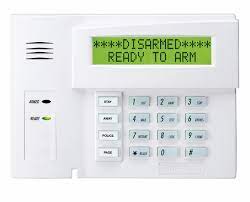
A white alarm system with a green screen that says `` disarmed '' ready to arm.

Vista 15P-20P

View Downloads

The Latest on the Blog
August 19, 2026
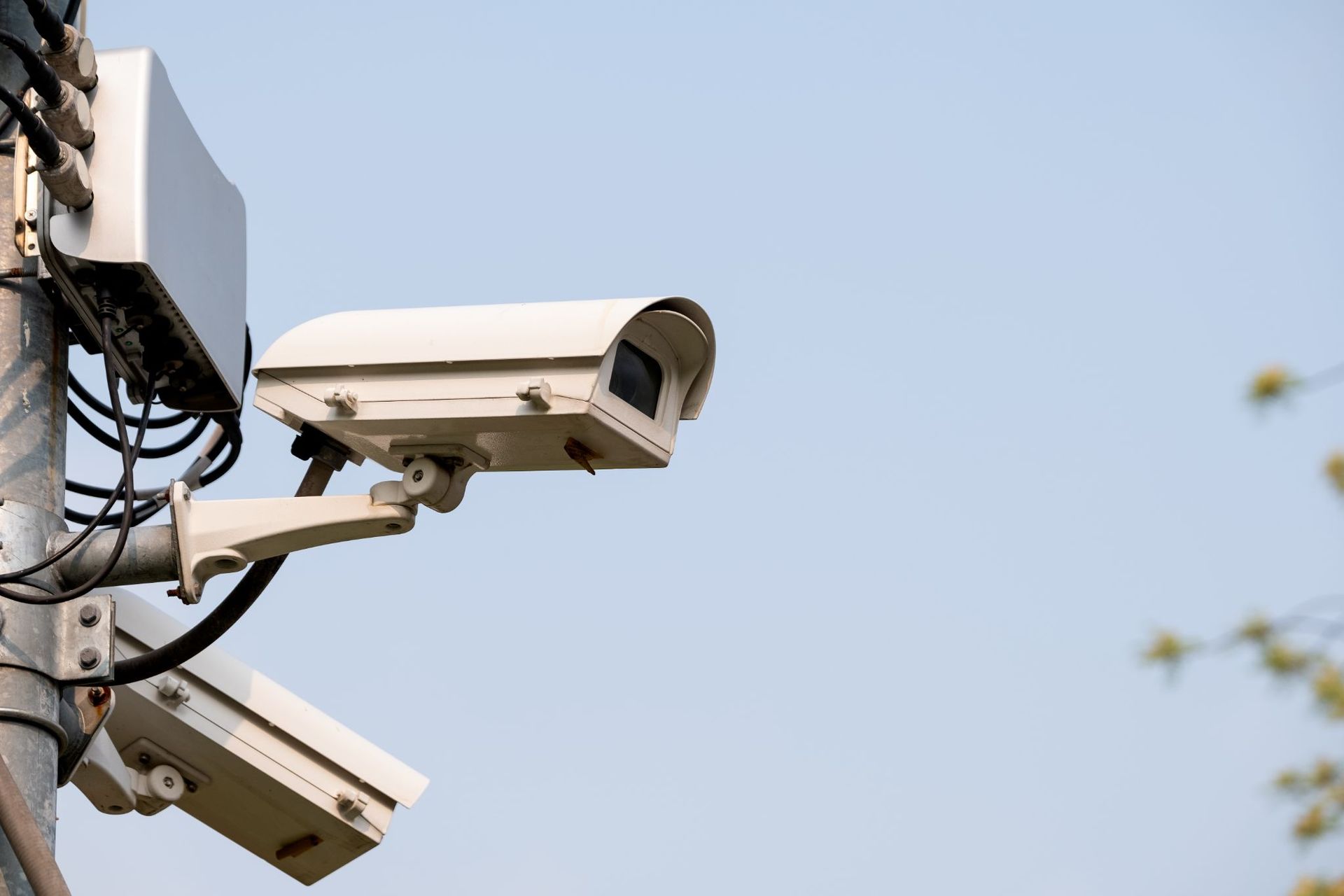
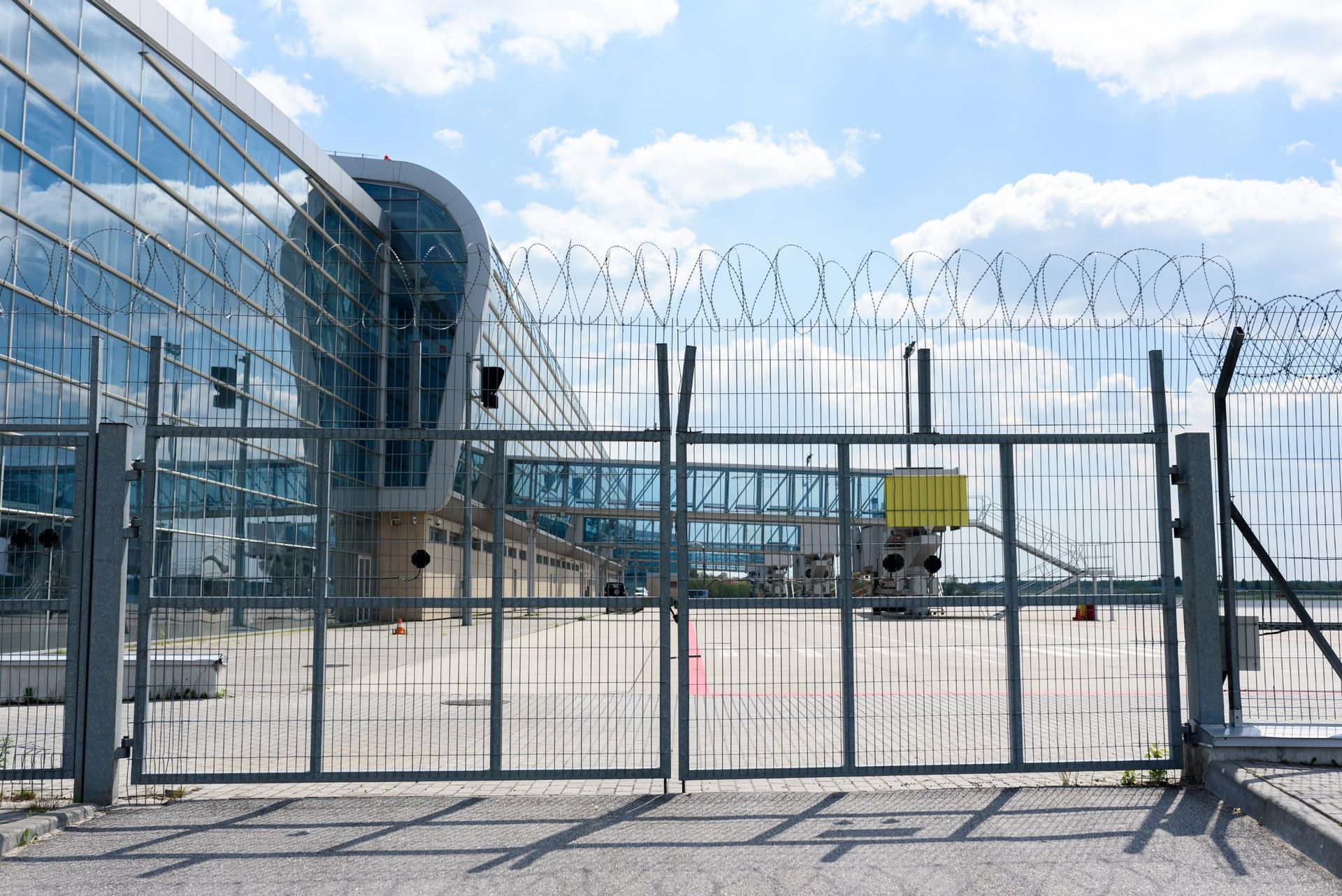
When you're responsible for a manufacturing facility, there is always something happening. Employees are moving between workstations, shipments are arriving, and valuable equipment and inventory need to be protected. Without clear visibility across your facility, small issues can quickly become larger problems. A commercial video surveillance system helps you stay connected to your operation, whether you are on the production floor or off-site. High-definition cameras provide real-time visibility into key areas, helping deter theft, improve workplace safety, and document activity when questions arise. At Silent Guard, we design video surveillance systems that fit the unique needs of manufacturing and industrial facilities. Combined with access control, commercial security systems, and 24/7 monitoring, businesses gain a complete security solution that protects employees, equipment, and day-to-day operations. The result is greater confidence and better awareness of what is happening throughout your facility. As your business grows, your security should grow with it. Whether you operate one manufacturing plant or multiple locations across Kentucky, an integrated system makes it easier to monitor activity and respond quickly when needed.  If you're looking for a smarter way to protect your manufacturing facility, Silent Guard is here to help. Get in touch today to learn how commercial video surveillance can strengthen your security and support your business every day.
August 5, 2026
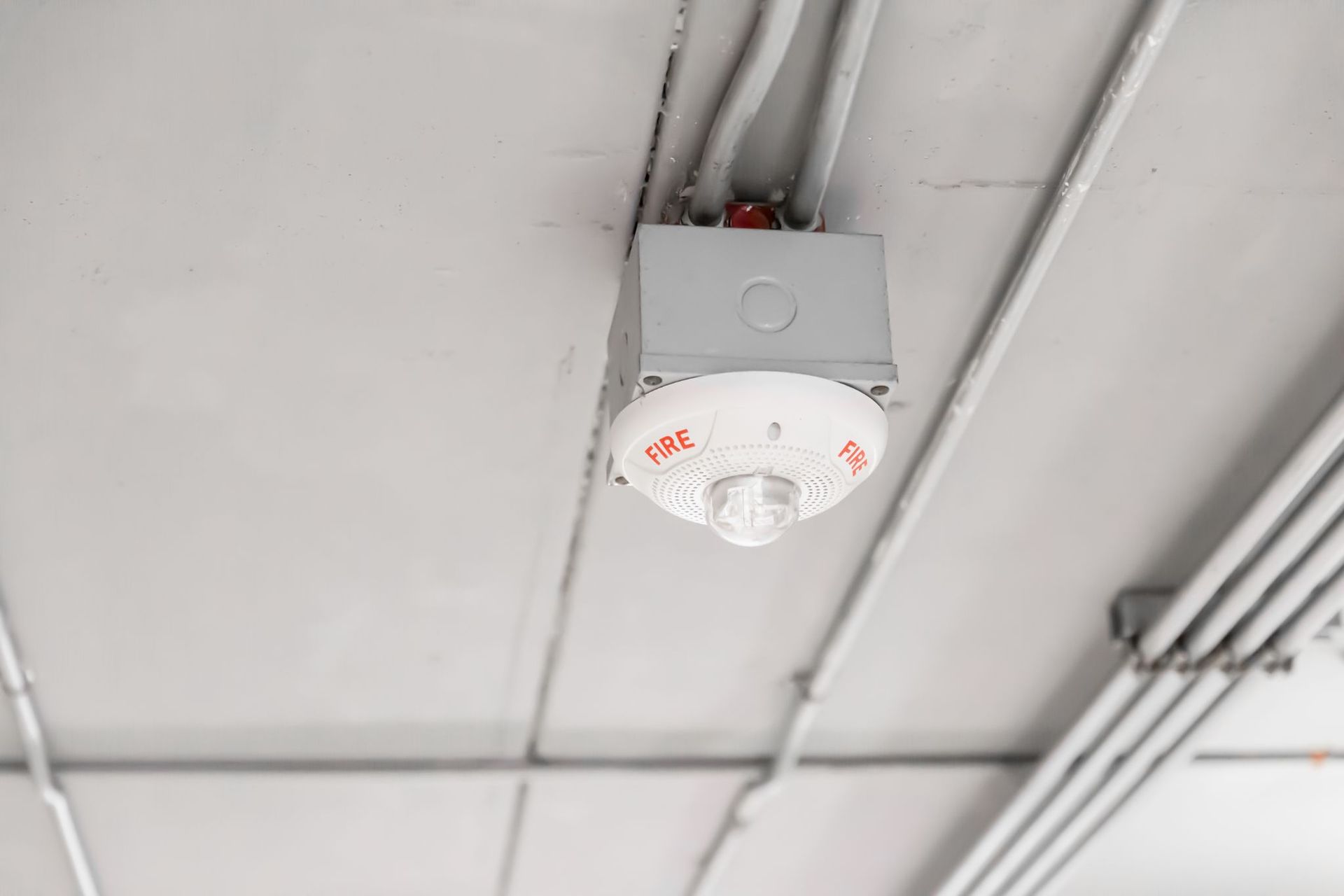
A fire alarm system is one of the most important safety investments a business can make. But simply having a system installed is not enough. Without regular inspections and routine service, even the best equipment can become less reliable over time, putting your property, customers, and staff at risk. Many businesses are surprised to learn that commercial fire alarm systems require ongoing inspections to remain compliant with fire codes and to operate properly during an emergency. Waiting until there is a problem can lead to costly repairs, unexpected downtime, or worse, a system that fails when you need it most. At Silent Guard, we help businesses stay protected with professional fire alarm installation, inspections, monitoring, and service. Our team works with manufacturing facilities, medical offices, government buildings, distribution centers, restaurants, and other commercial properties to ensure every system is tested, maintained, and ready to respond. Regular inspections do more than meet code requirements. They help identify the condition of components and provide confidence that your business is prepared for an emergency. Whether you need a new commercial fire alarm system or routine fire alarm inspections, Silent Guard delivers dependable solutions backed by experienced technicians and ongoing support. Protect your employees, your property, and your business. Get in touch today to learn how Silent Guard can help keep your commercial fire alarm system operating at its best.
June 25, 2026
As your business grows, so do the challenges of protecting it. What works for one location often becomes much more difficult when you are managing multiple facilities, employees, and access points. Without the right systems in place, it can be hard to maintain visibility and control across every site. Many growing businesses face this challenge. Distribution centers, manufacturing facilities, government buildings, healthcare providers, and utility companies often need a better way to manage security across multiple locations simultaneously. That is where a centralized commercial security system can make a difference. Silent Guard helps businesses connect access control, video surveillance, fire alarms, and security monitoring into one easy-to-manage platform. Managers can view cameras, manage access permissions, receive alerts, and monitor activity across every location from a single dashboard. Our multi-site security systems are designed to grow with your business, creating a more connected, secure, and efficient operation. This level of visibility helps businesses respond faster, improve operational efficiency, and maintain consistent security standards across every property. Centralized access control also allows administrators to quickly add, remove, or update credentials without traveling to individual locations, making day-to-day management easier and more secure.  If your business is expanding and your security systems are struggling to keep up, get in touch today.
Show More

Frequently Asked Questions

See some common questions and answers below, or call us at 877.698.1854. 

  • DO YOU PROVIDE FREE ESTIMATES?

    Yes. Our security specialist will come to your home or business and discuss and evaluate your needs. We provide custom designed systems.

  • WHAT IS AN ON-SITE SURVEY?

    An on-site survey is when our security specialist visits your home or business to get facts about occupants, pets, floor plan, type of construction, and lifestyle. This important information is used in the custom design of your system.

  • WHAT IS INCLUDED IN AN INSPECTION?

    During an inspection, we check all devices, clean all motion detectors and smoke detectors, test all batteries, and send signals to the Alarm Center. Many insurance companies are requiring periodic inspections.

  • HOW DO I GET YARD SIGNS & STICKERS AND WHAT'S THE COST?

    Contact our office and we will send or deliver signs & stickers to your home/business. There is no cost for the signs & stickers. You have to be a current customer to get signs & stickers.

  • WHAT IS THE DIFFERENCE BETWEEN THE PASSCODE AND THE USER CODE?

    The user code is the numerical code that is entered into the keypad to arm and disarm the system. It can also send a cancel signal to the Alarm Center to cancel false alarms. The passcode is usually a word that is set up with the Alarm Center. With this passcode you can cancel a false alarm via telephone, put the system on test, and make changes to the account such as call list telephone numbers.

  • WHAT IS THE DIFFERENCE BETWEEN THE DURESS SIGNAL AND THE CODE UNDER STRESS?

    The duress signal is the code that you enter into the keypad if someone forces you to disarm your system when entering your home or business. Entering the duress code will disarm the system, signal the Alarm Center, and authorities will be notified. The code under stress is the code that you give to the monitoring center over the phone if it is an actual alarm.

  • HOW DO I TEST MY ALARM?

    Let your system sound for at least 15 seconds before disarming the system. Then follow the Accidental Alarm procedure. You do not have to notify anyone prior to testing your system. As long as they call you, there is nothing to worry about. If no one contacts you, call our office and speak to the Service Department.


    OR


    Call dispatch at 1-844-572-6995. Inform them you would like to put your system in Test Mode. You will be asked for your name and password before they will activate the test mode. Once the system is placed in “Test”, activate the alarm and let it sound for at least 15 seconds before you disarm the system. Call dispatch again to verify the signal. If all is OK, inform dispatcher that you would like system taken out of test. If a signal wasn’t received, notify our office and speak to the Service Department.

  • HOW OFTEN SHOULD I TEST MY ALARM?

    We recommend testing your alarm once a month.

  • I JUST HAD DSL INSTALLED AND NOW THERE IS A NOISE ON MY PHONE LINE. COULD MY SECURITY SYSTEM CAUSE IT?

    Yes. Your DSL service provider will install either a whole system filter or individual filters. If they choose individual filters, you will need to purchase a special alarm DSL filter from us. The telephone jack for your security system is different than your house telephones.


    To verify that the security system is causing the noise problem, unplug the telephone line to the security system. If the buzzing stops, it was the security system; if it doesn’t stop buzzing, you will need to contact your DSL service provider.

  • CAN I GET OFFSITE REMOTE SUPPORT?

  • WHEN THE SYSTEM GOES OFF, HOW LONG WILL THE SIREN SOUND?

    The siren will go off for 5-10 minutes after a device has gone into alarm. After that time your system will reset and the keypad will continue to emit a beep until a code has been entered. You will need to enter your code twice to disarm the system and silence the beep.

  • MY ALARM HAS ACCIDENTALLY GONE OFF, WHAT DO I DO?

    If you set the alarm off accidentally disarm the system using your keypad or wireless remote. DO NOT call our office to tell us of the false alarm. This ties up the phone line and does not allow dispatch to get through to you to verify your alarm. When a signal is received, the premise number on file will be called to verify the alarm. The dispatcher will identify themselves and ask if all is OK. Inform them of the accidental alarm and tell them to disregard. You will be asked for your password. If the correct password is given the alarm will be cancelled. If an incorrect password is given, the dispatcher will say Thank You and hang up. At that time 911 will be notified as well as your contacts on your member sheet.

  • WHAT CAN CAUSE MY SMOKE DETECTOR TO FALSE ALARM?

    Smoke detectors are monitoring particulate matter in an air chamber. They can false alarm if there is a lot of dust in the air or if someone uses an aerosol can near the device. In the spring, insects & spiders come out of dormant stages and can enter the chamber of smoke detectors causing unwanted alarms. Cleaning your detectors in the spring can help prevent these unwanted alarms. Also damage from heavy snow on roof can cause leaks during spring snow melt and this water can get into detectors causing false alarms. Always look for moisture when investigating an unwanted fire alarm.

  • WHAT CAN CAUSE MY MOTION DETECTOR TO FALSE ALARM?

    Motion detectors can false alarm if an insect crawls into or onto the device; if there is anything in the line of sight that moves with the air current, such as balloons, signs, cobwebs and curtains; and if there is a sudden power surge ex: car hitting power pole down the street from your home or business.

  • DO I NEED A LANDLINE TO GET A SYSTEM?

    No, you do not need a landline. We can set up a wireless system in your home.

  • WILL INTERNET, CABLE, OR ALTERNATIVE PHONE SERVICES (VOIP) AFFECT MY SECURITY SYSTEM?

    Yes. Any type of non-traditional land line phone services can negatively impact the effectiveness of your security system. In a number of cases, our customers who have changed from a traditional telephone line have had their signal to the Alarm Center fail. If you choose to have a non-traditional telephone line we do have modules that have the ability to forward alarm signals to the Alarm Center without the use of a phone line. Please contact our office for more details.

  • WHAT DO I DO IF I NEED HELP AFTER OFFICE HOURS?

    Call our office at 877-698-1854 or 606-677-1977 and have a technician dispatched to call you. A technician is on call 24 hours a day, 7 days a week.

  • WHAT IS THE NUMBER TO THE MONITORING CENTER?

    The number is 1-844-572-6995

  • I WANT TO CANCEL MY MONITORING, WHAT DO I DO?

    You must give us a 30 day notice and we must have a written request before canceling any monitored system (no exceptions). You can email, fax or mail a cancellation letter to us.


    Once the request is received, we will begin the disconnection process. Since Silent Guard will continue receiving signals from your panel until the process is completed, we will continue to bill you for services. Also, please note that your monitoring period automatically extends for one-year increments. If you cancel before your contracts ends, you will be responsible for the amount remaining on your contract.

Still need assistance? Give us a call!